Raptor Assistant
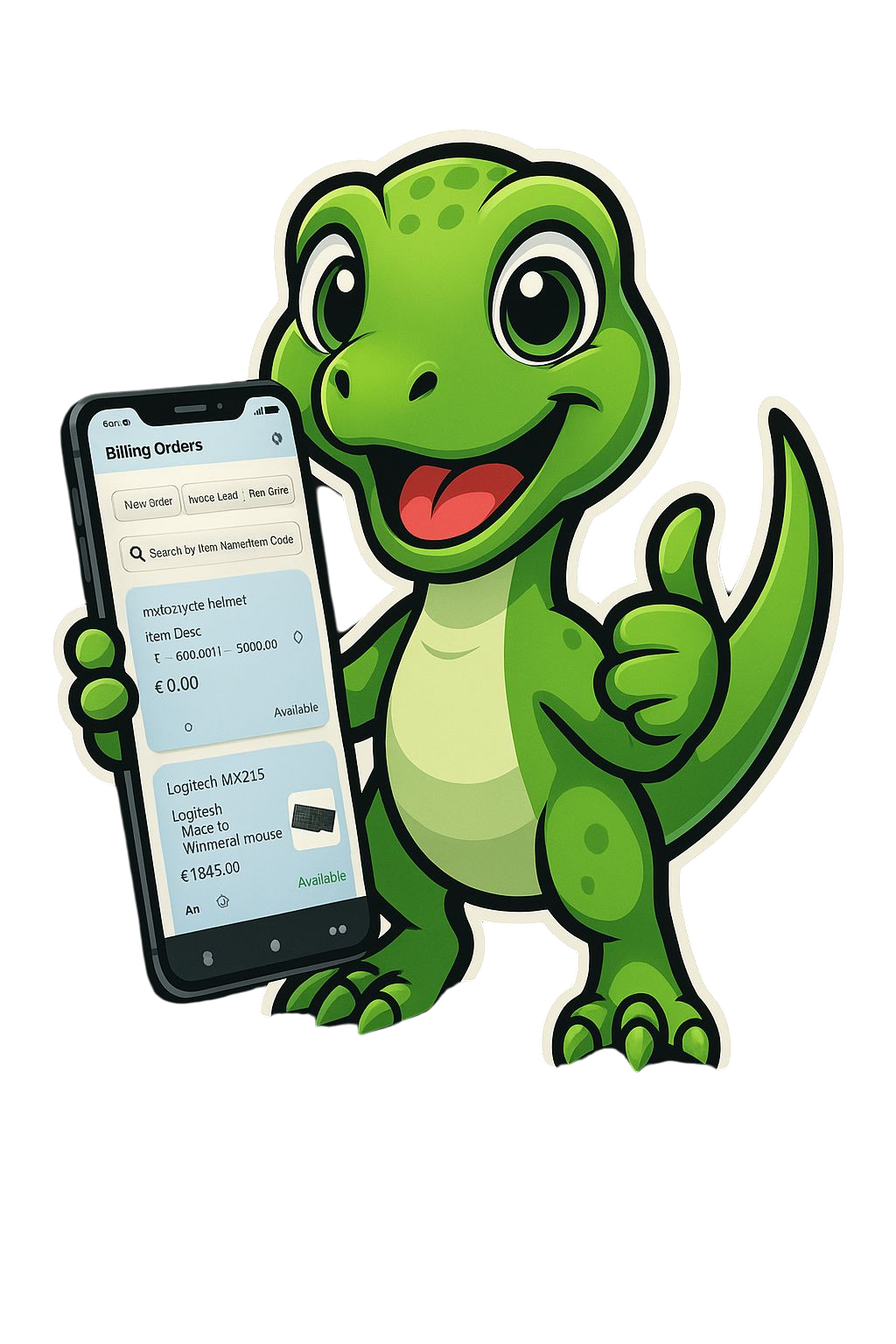
Create professional GST invoices, manage inventory, and file returns in minutes with Raptor Assistant.

Simplify your business operations with our comprehensive GST-compliant tools
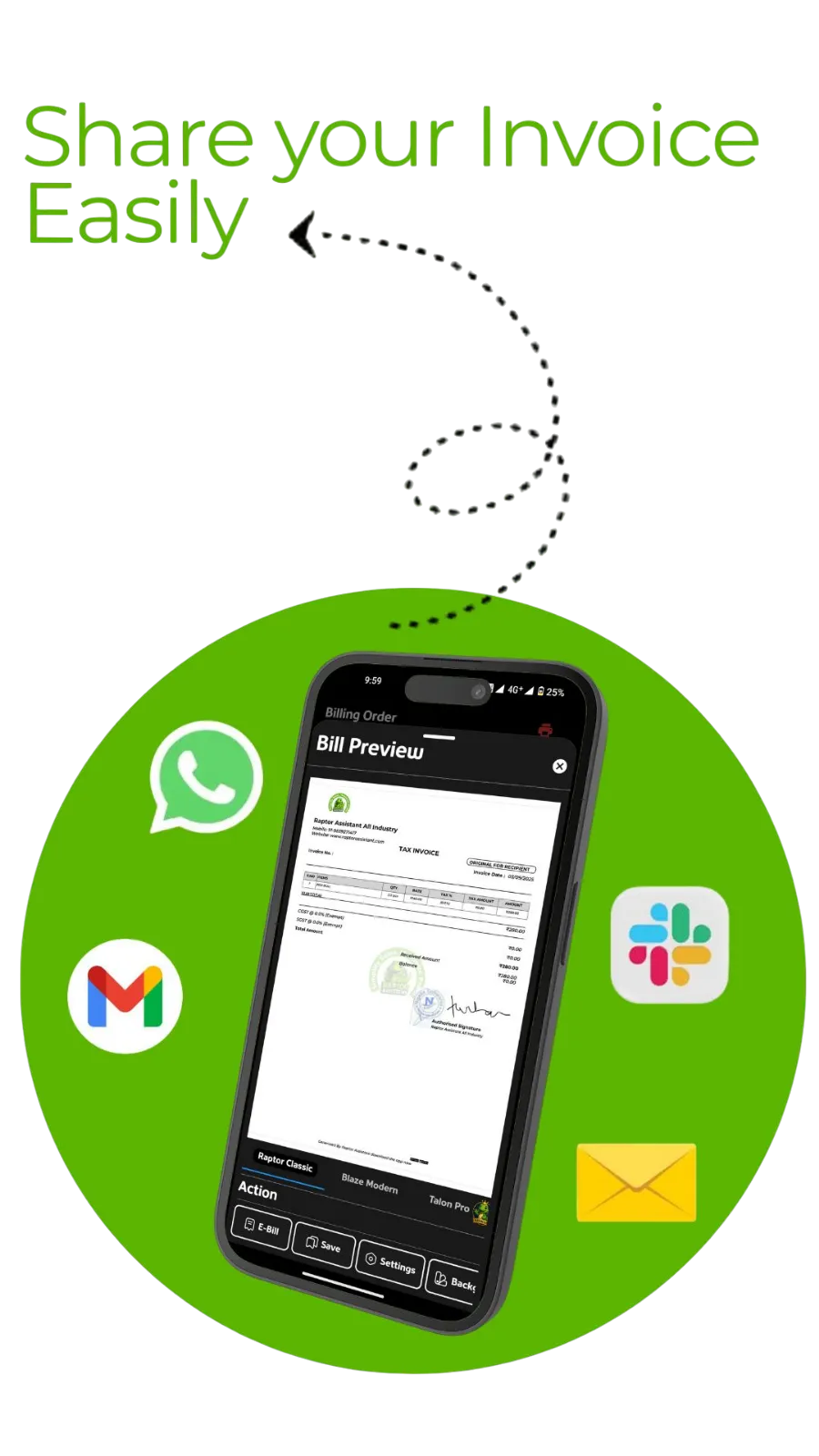
Create GST-compliant invoices in seconds with seamless Razorpay integration.
Track stock across multiple locations, manage godowns, and receive low-stock alerts.
Generate e-invoices and e-way bills in under 30 seconds with automatic IRN generation.
Access comprehensive sales, inventory, and GST reports for easy filing and analysis.
Get a snapshot of your business with AI-driven analytics.
Monitor daily and monthly sales trends with customizable reports.
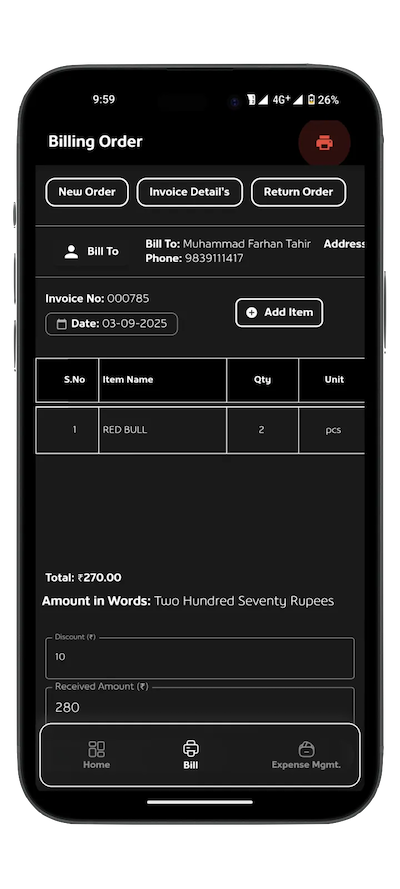
Track stock levels and predict demand with real-time data.
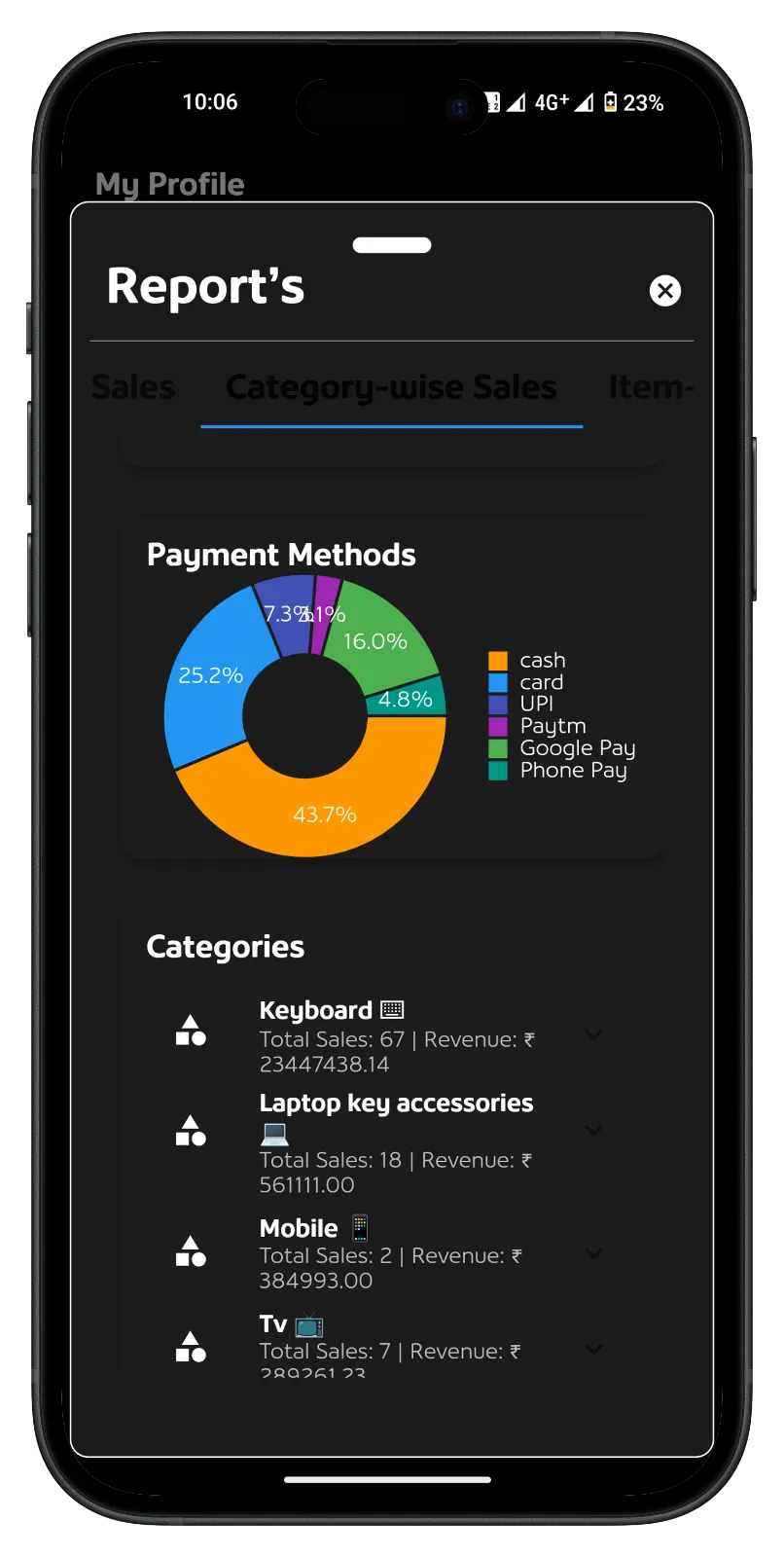
Track stock levels and predict demand with real-time data.
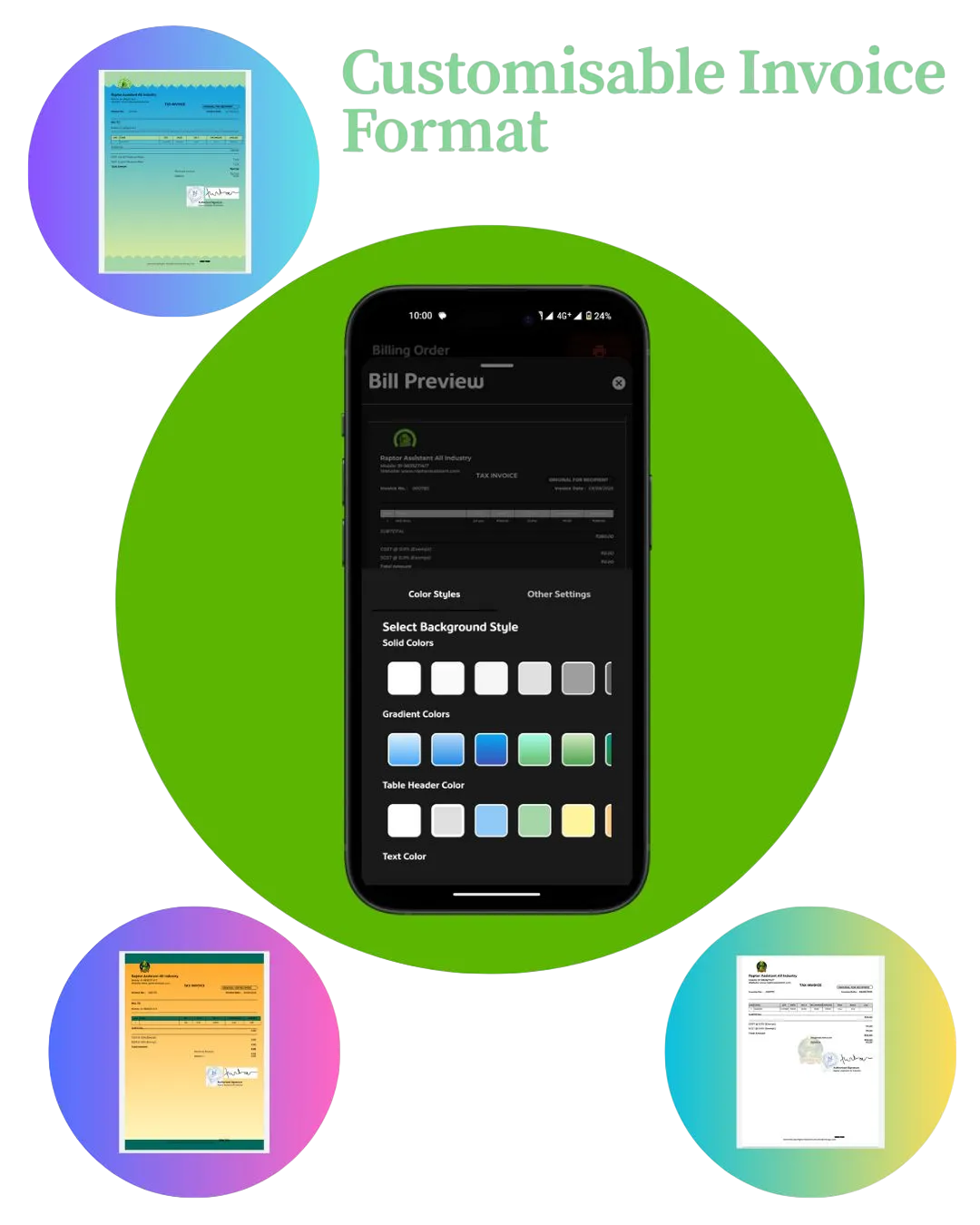
Solutions for businesses across sectors.
Manage orders, process payments via Razorpay, and sync with kitchens.

Streamline POS and boost customer loyalty with GST-compliant billing.

Track inventory and enable fast checkouts with e-invoicing.

Automate prescriptions and ensure GST compliance.
Affordable plans for businesses of all sizes.
₹0
/month
₹2499
/year

₹4999
/year
Join thousands of satisfied businesses using Raptor Assistant to streamline operations
Raptor Assistant made GST invoicing so easy for our restaurant! The table management feature has reduced our billing time by 60%.

Restaurant Owner, Mumbai
Food & BeverageInventory tracking is a breeze with this software. The low stock alerts have saved us from missing sales opportunities multiple times.

Restaurant Owner, Lucknow
RestaurantPerfect for GST compliance and e-invoicing! The software automatically updates with latest tax regulations, saving us hours of research.

Restaurant Owner, Lucknow
HealthcareThe customer management features have helped us increase repeat business by 25%. We can now track preferences and buying patterns easily.

Restaurant Owner, Chennai
Fashion RetailAs a small business, we needed an affordable solution that doesn't compromise on features. Raptor Assistant delivers exactly that.

Restaurant Owner, Kolkata
RestaurantAs a small business, we needed an affordable solution that doesn't compromise on features. Raptor Assistant delivers exactly that.

Fashion Store, Udaipur
GarmentsAs a small business, we needed an affordable solution that doesn't compromise on features. Raptor Assistant delivers exactly that.

Dates Store Owner, Lucknow
Dates StoreAnswers to common questions about Raptor Assistant.
Raptor Assistant is a GST-compliant billing, invoicing, and inventory management software designed for Indian SMBs, supporting e-invoicing and e-way billing.
A bill is for instant payment, like at a store. An invoice requests payment with a due date, like for services or bulk orders.
Yes, we integrate with Razorpay for secure, PCI-DSS compliant payments.
Raptor Assistant respects your privacy and protects your business and personal data.
Raptor Assistant is not intended for children under 13.
Email: support@raptorassistant.com
We respect your privacy and give you full control of your data.
If you want to delete your Raptor Assistant account and all associated data:
If you only want certain data removed (for example, invoices or uploaded documents), please email support@raptorassistant.com with your request. We'll handle it according to our retention policy.
Important points about using Raptor Assistant.
Users must comply with Indian GST regulations and provide accurate business information for invoicing and e-way billing.
Payments are processed via Razorpay, subject to their terms. Users are responsible for transaction fees.
Subscriptions are annual and non-refunded. Free trials are available for new users.
By using Raptor Assistant, you agree to these terms and conditions.
By using Google Sign-In to access Raptor Assistant, you agree to:
By accessing and using Raptor Assistant, you accept and agree to be bound by these Terms of Service and our Privacy Policy.
The service is provided "as is" without warranties of any kind, either express or implied. We do not warrant that the service will be uninterrupted, secure, or error-free.
To the maximum extent permitted by law, Raptor Assistant shall not be liable for any indirect, incidental, special, consequential, or punitive damages resulting from your use of the service.
You agree to indemnify and hold harmless Raptor Assistant from any claims, damages, or expenses arising from your use of the service or violation of these terms.
These Terms shall be governed by and construed in accordance with the laws of India, without regard to its conflict of law provisions.
For questions about these Terms of Service, please contact us at:
Email: business@raptorassistant.com
Address: 537/326, Puraniya, Sector K, Aliganj, Lucknow, Uttar Pradesh 226024
Phone: +91-9839271417
When using Google Sign-In, you are also subject to Google's Terms of Service and Google's Privacy Policy. You can manage app permissions and revoke access at any time through your Google Account settings.
Last updated:
Our team is here to help you succeed.

support@raptorassistant.com

537/326, Puraniya, Sector K, Aliganj, Lucknow. 226024.
You've selected the plan. Please provide your details to proceed.